One UI to manage all your tools
Every tool you connect comes back as a widget, drawn from your own data. The AI proposes, you confirm the changes that matter.
Ask, and see the answer
Every answer comes back as a card built for the job. Pick a question to see the card Well returns, then ask it yourself.
The conversation
Ask anything or use / for commands...
The result
Every widget, taken apart
Each layer is the real component, lifted off the card it builds. Scroll the two rows to the middle of the screen and the widgets come apart.
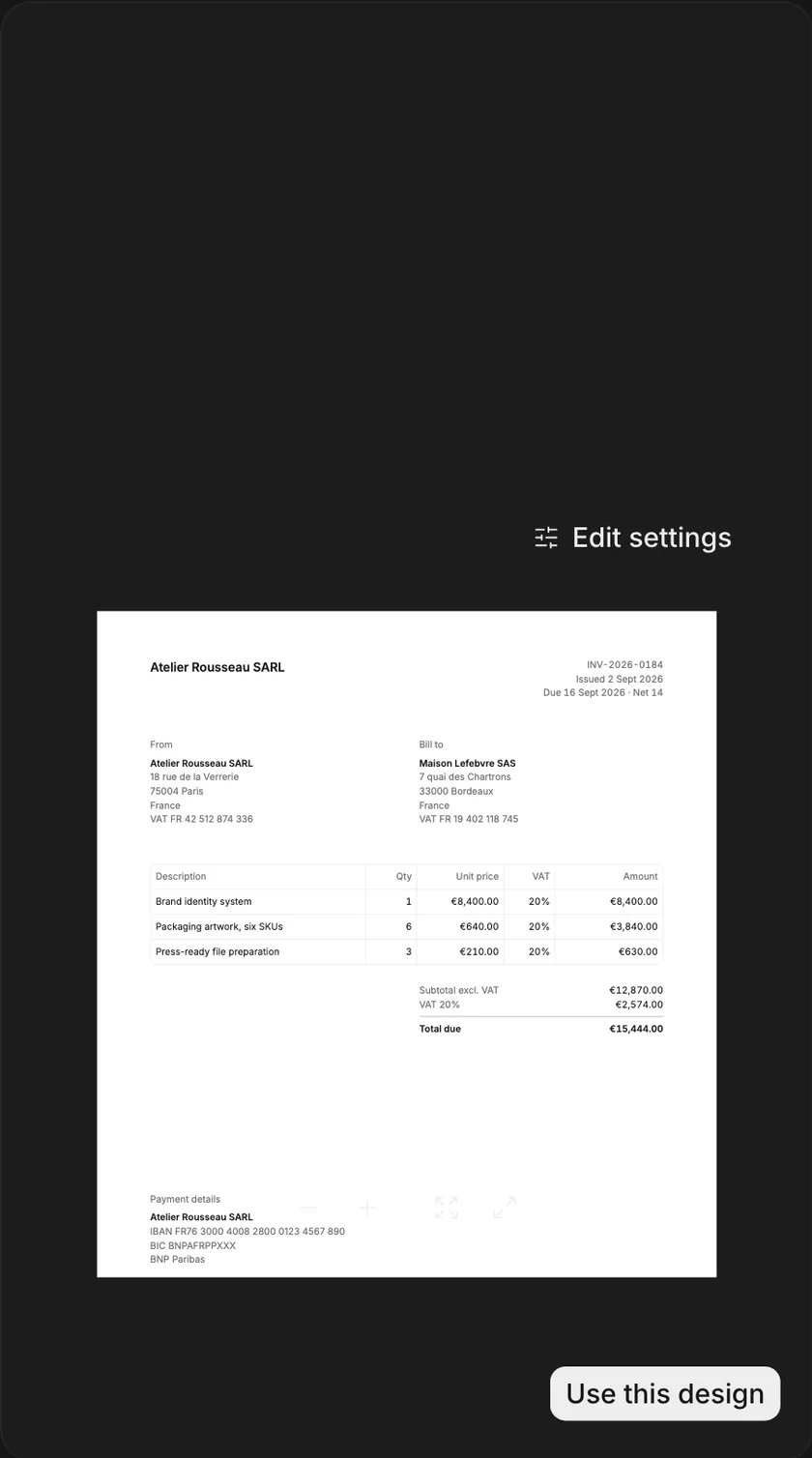




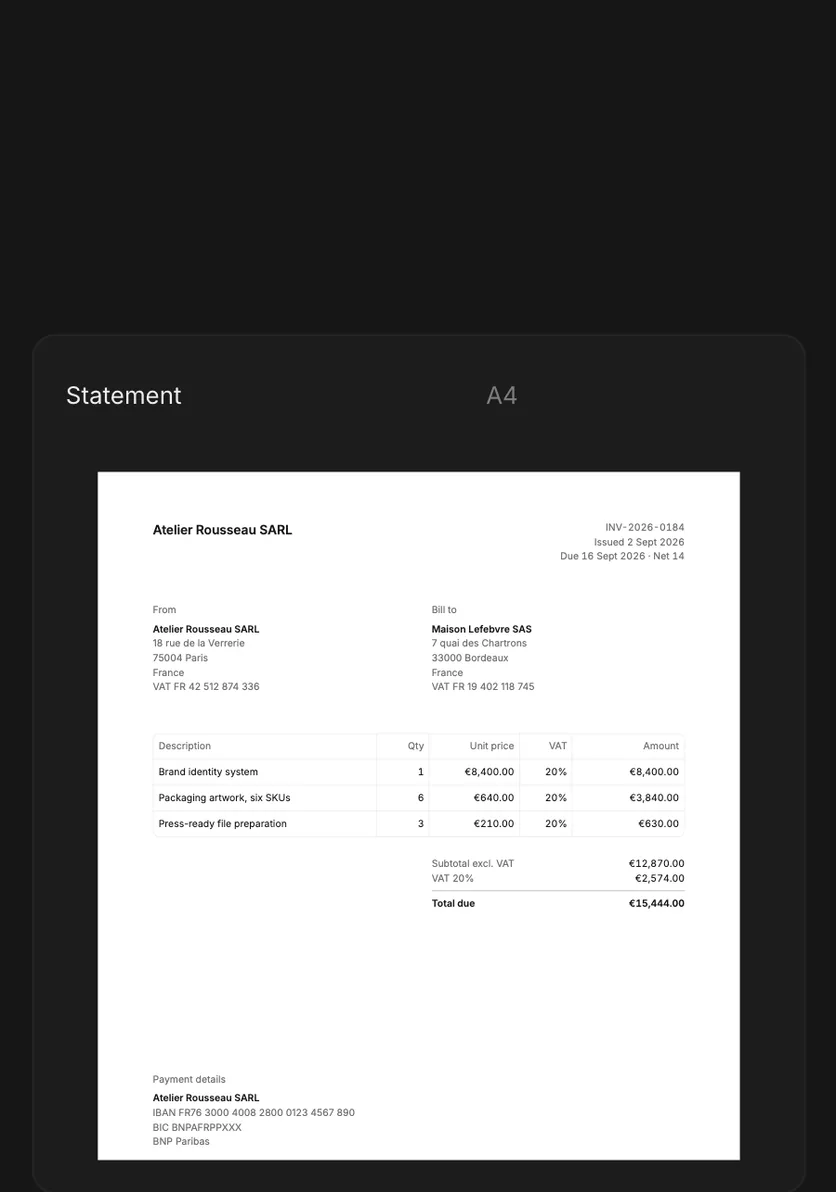
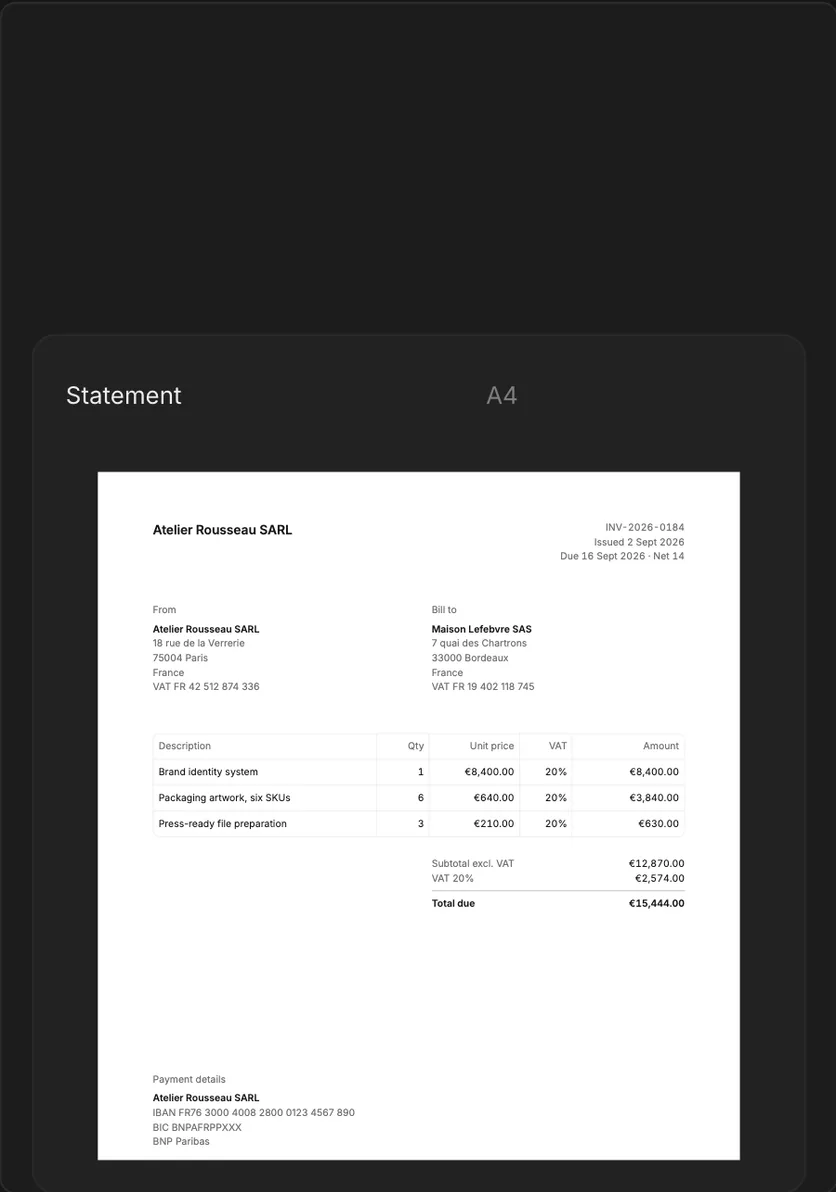

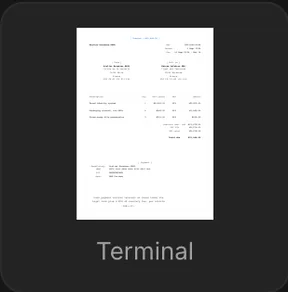
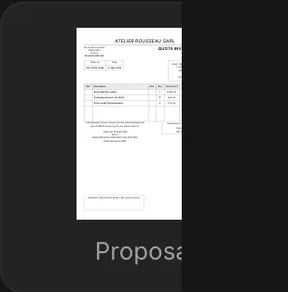

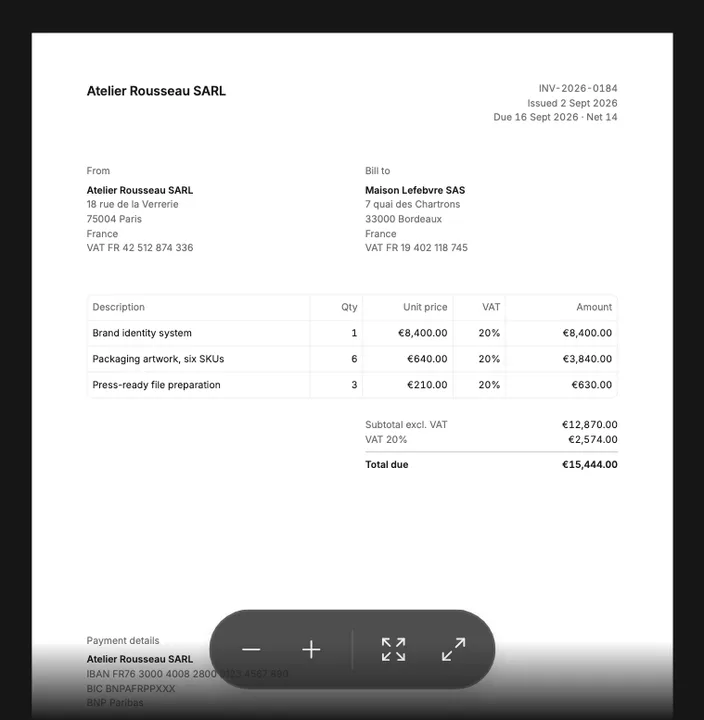























































































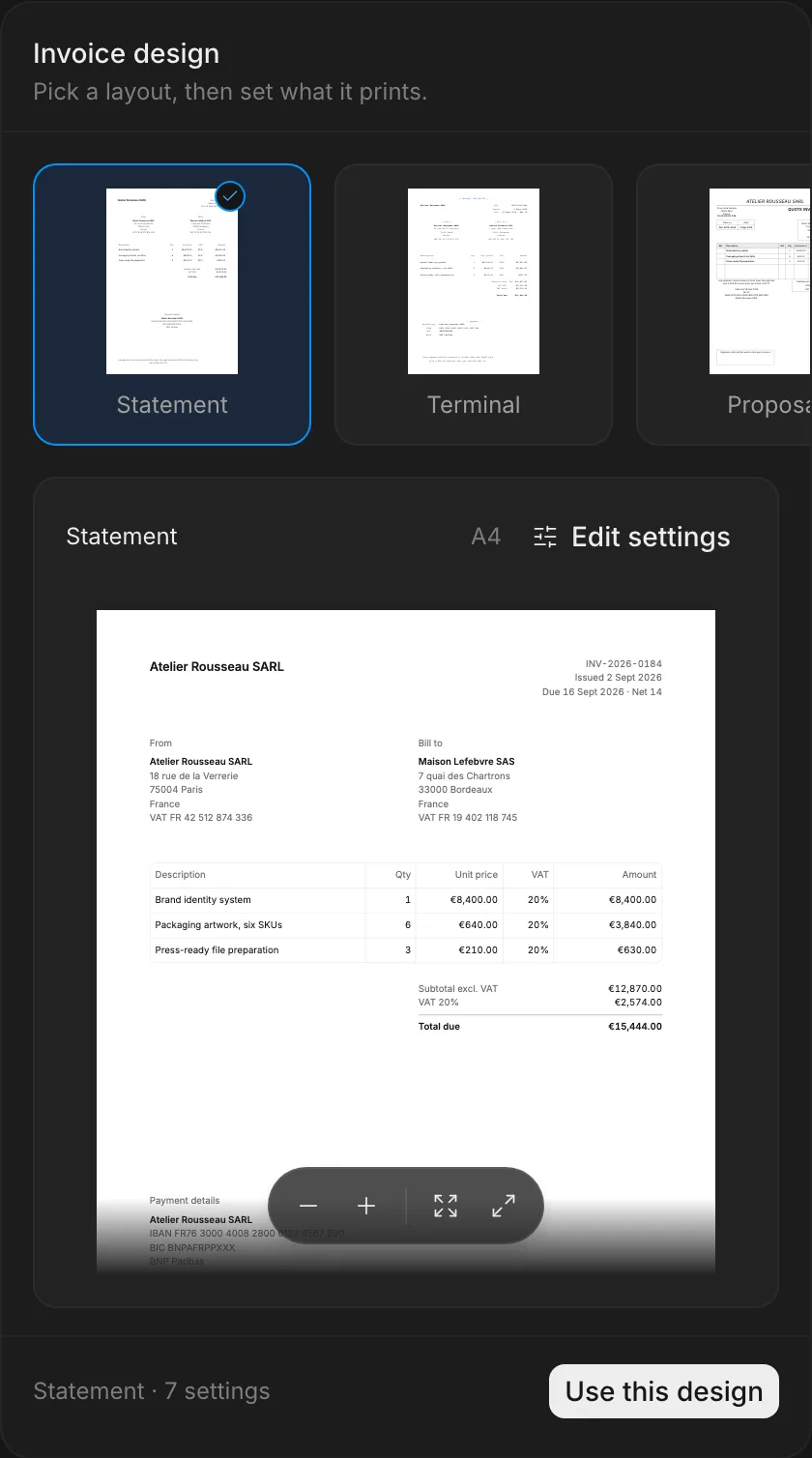
Invoice preview
The invoice as your customer receives it, with the layout picked from live thumbnails.
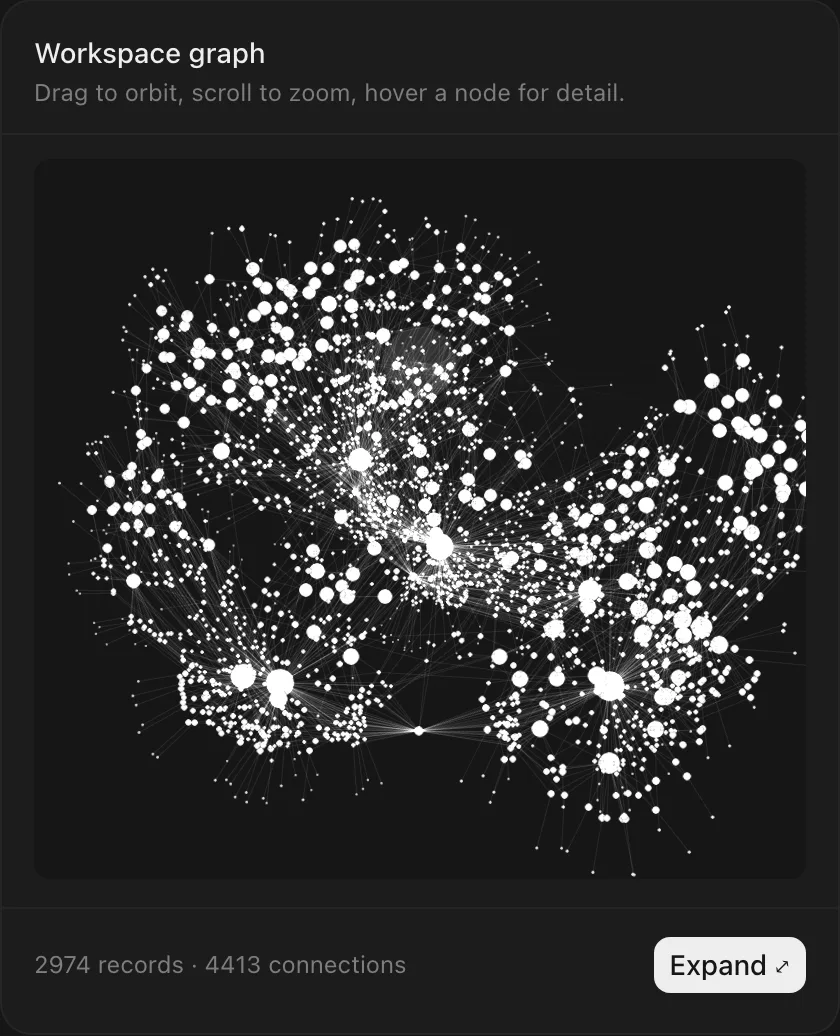
Context graph
Companies, people, invoices and transactions, drawn as the links between them.
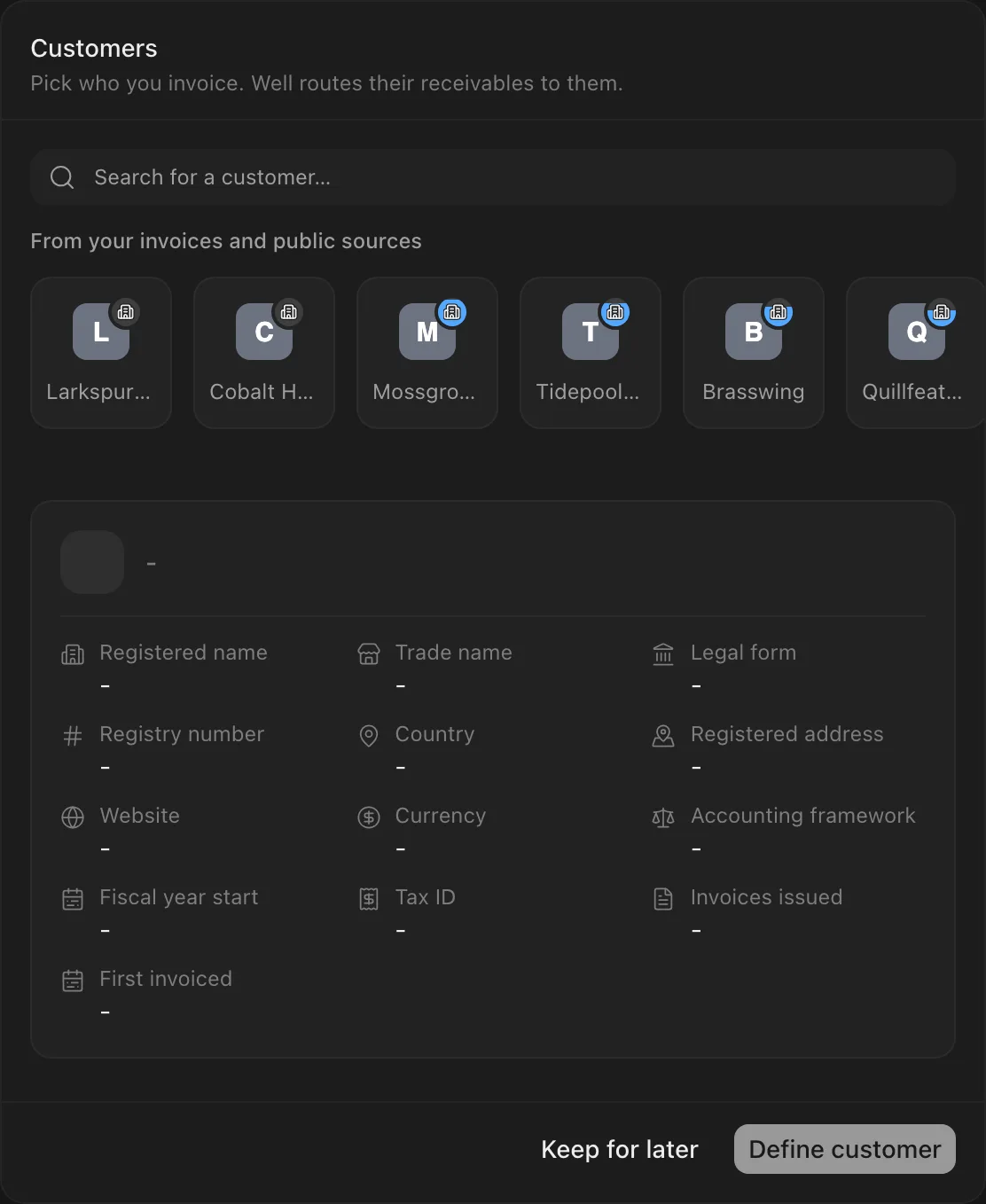
Define customer
The company you bill, confirmed from the registry before the first invoice.
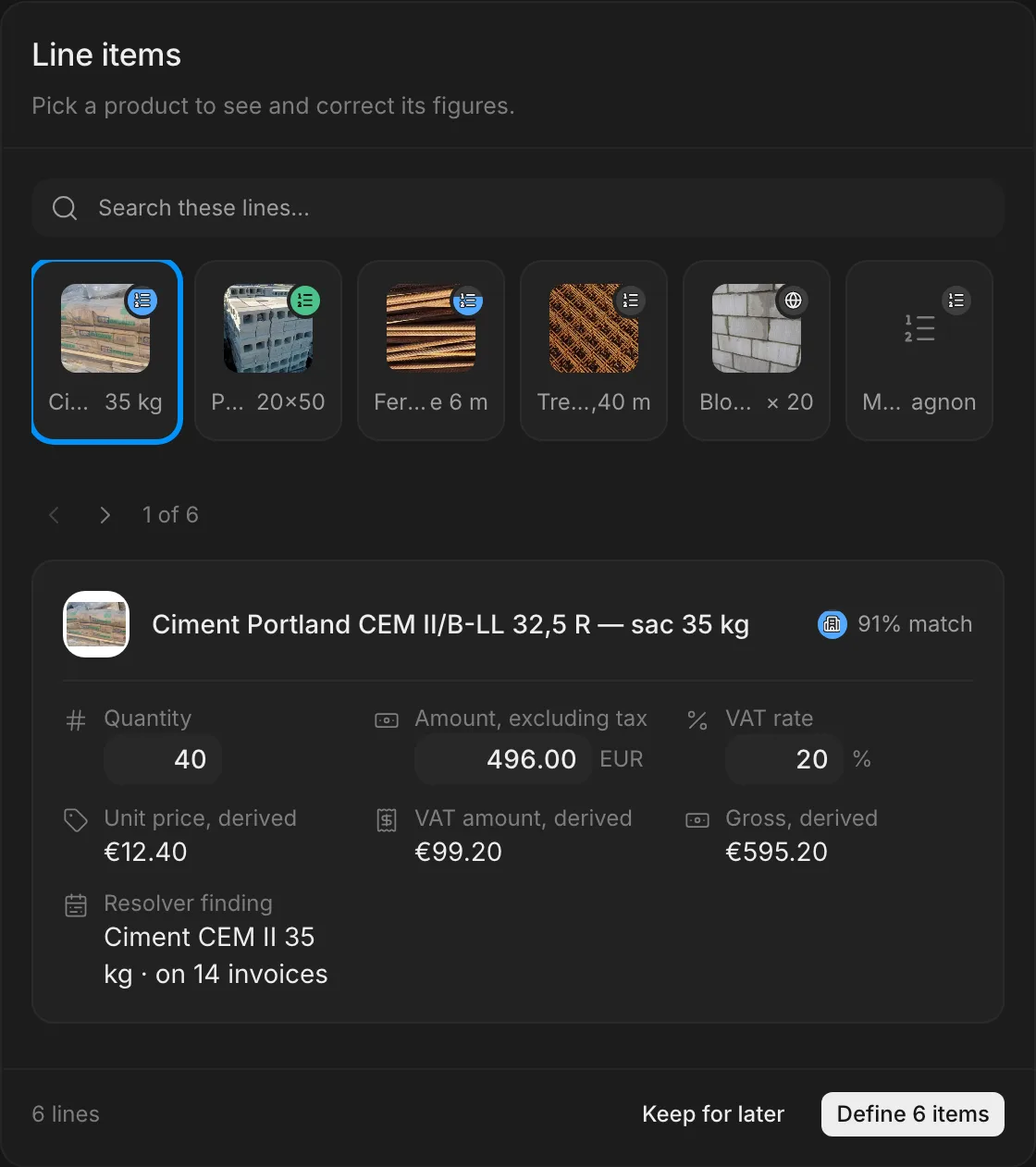
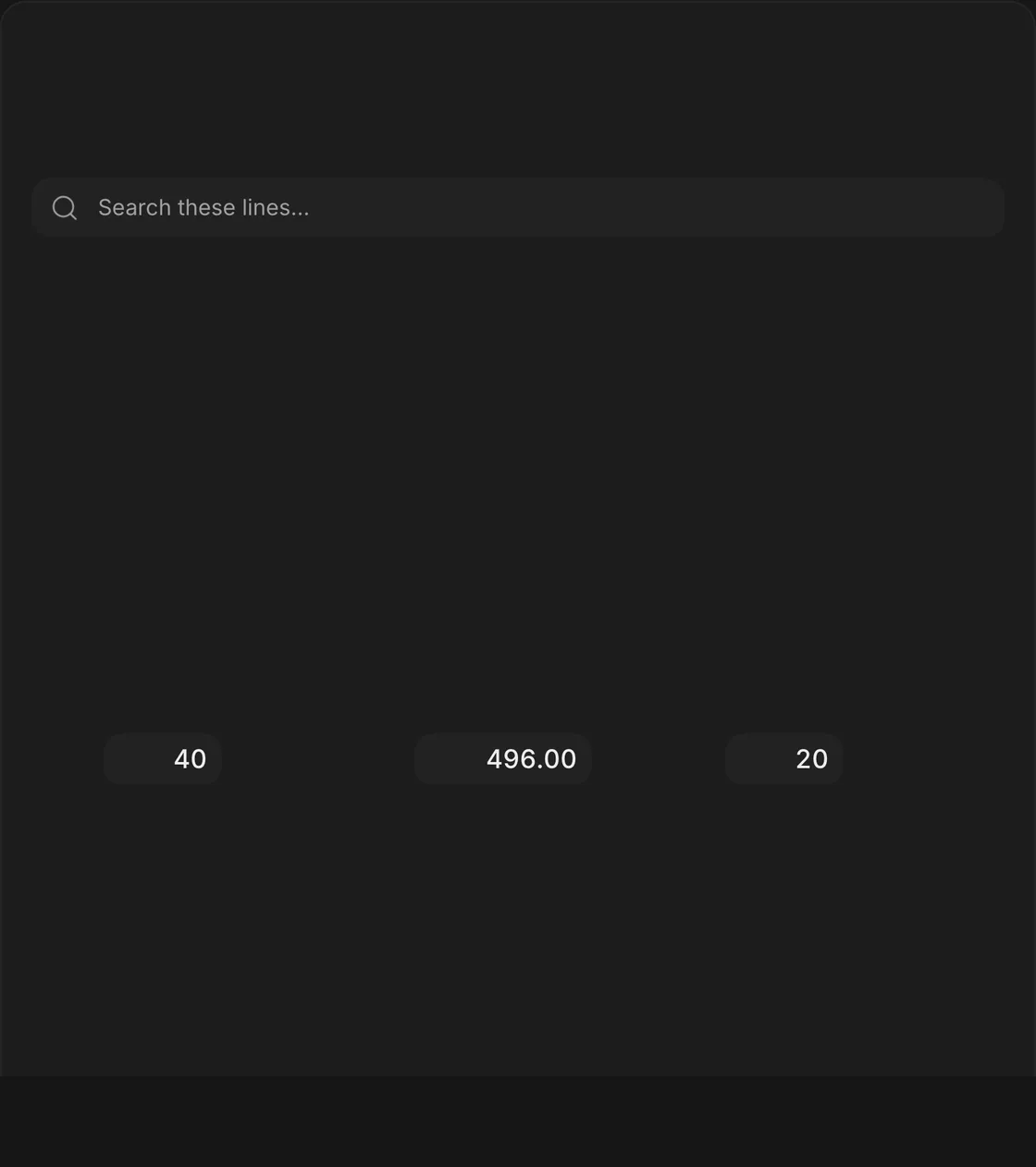
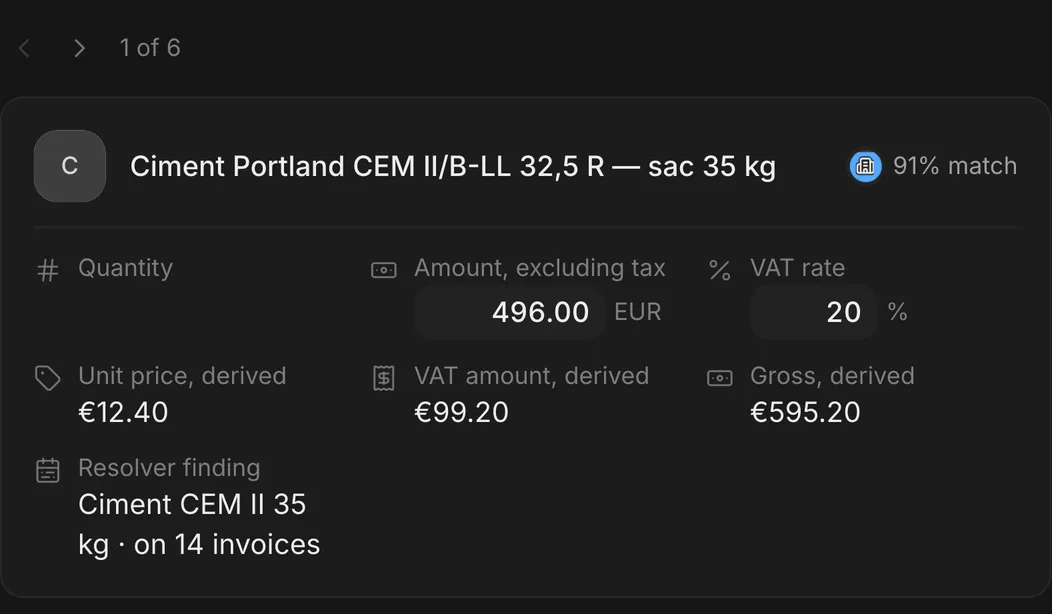
Line items
What you sell, proposed as lines you confirm before they reach the invoice.
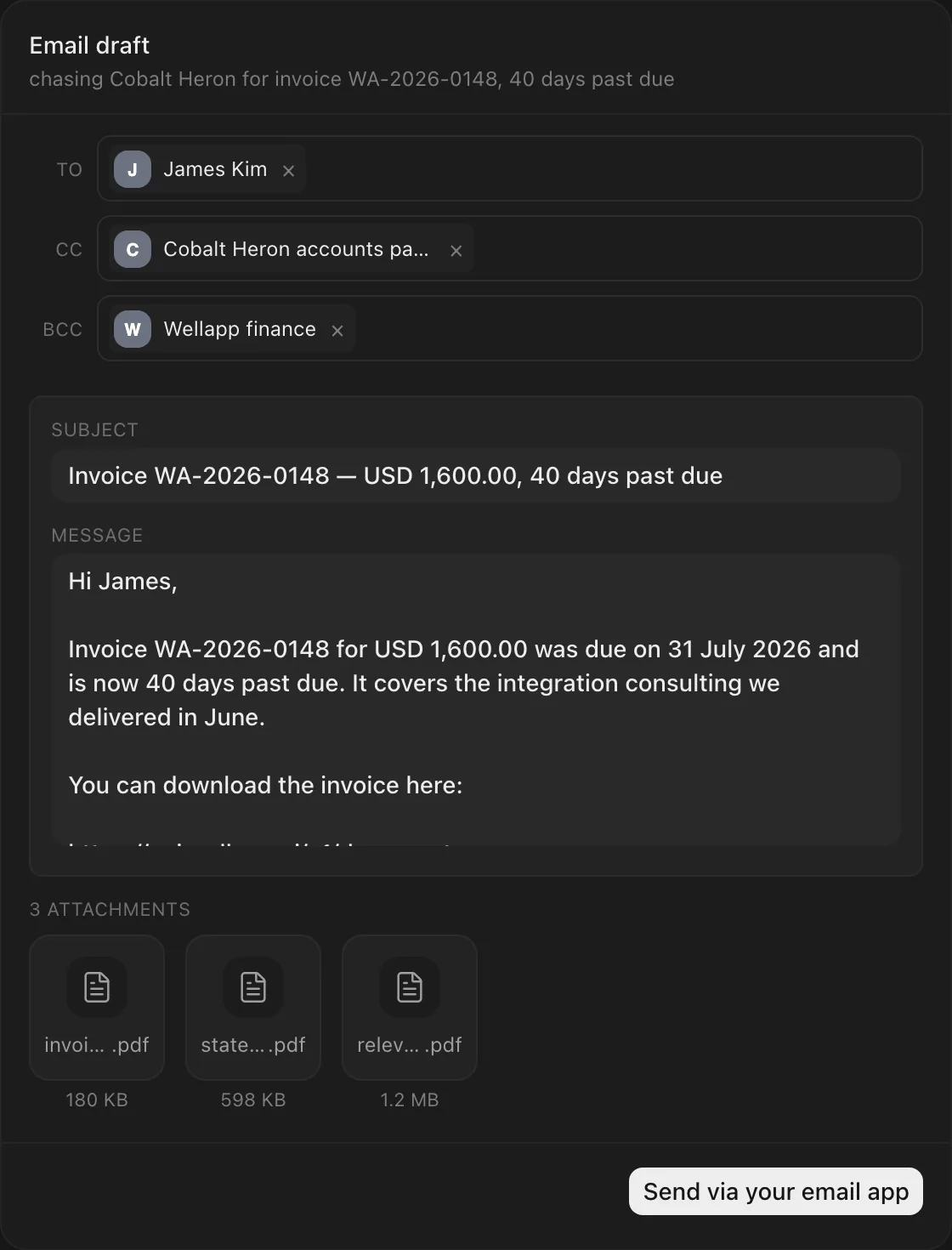
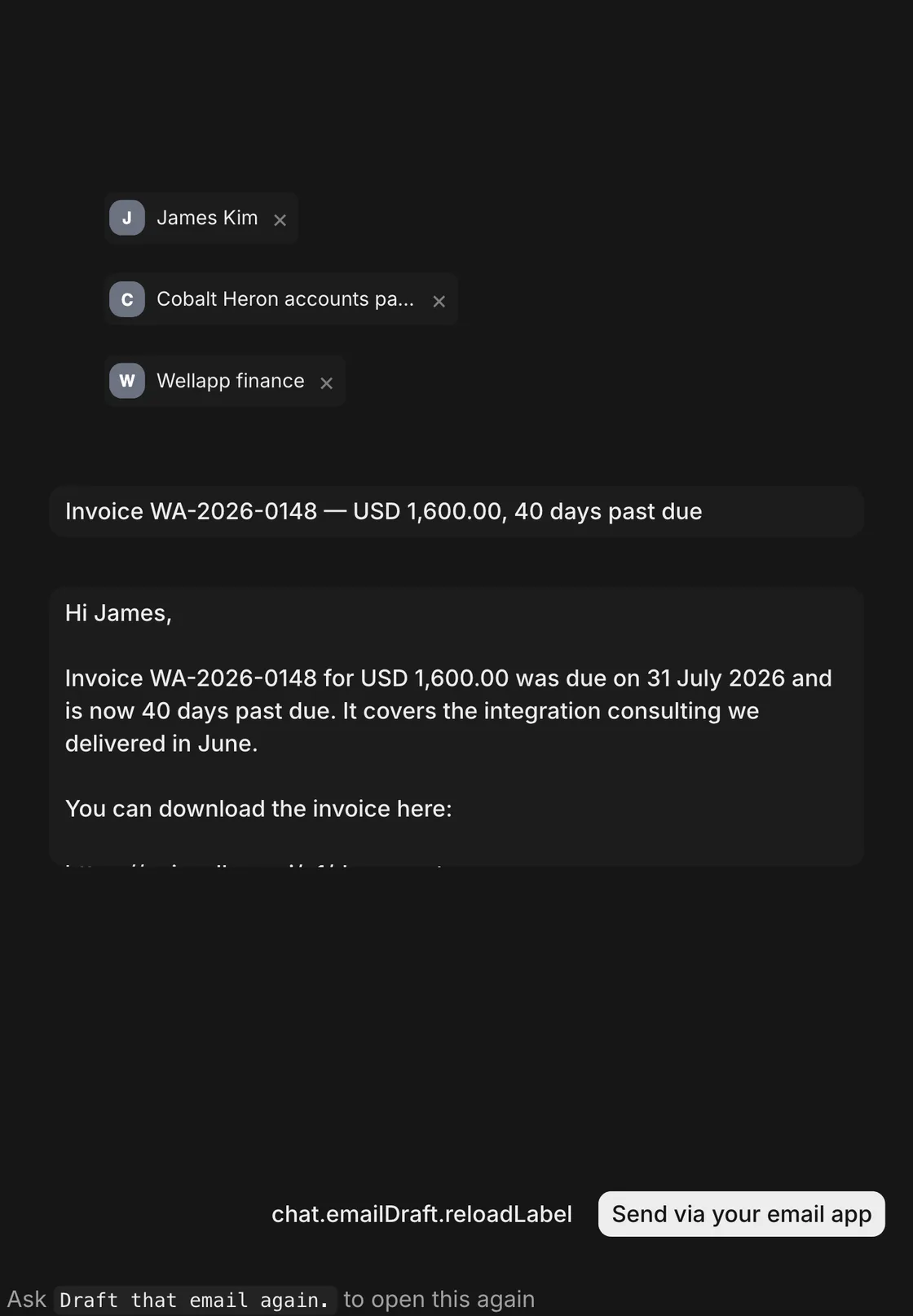
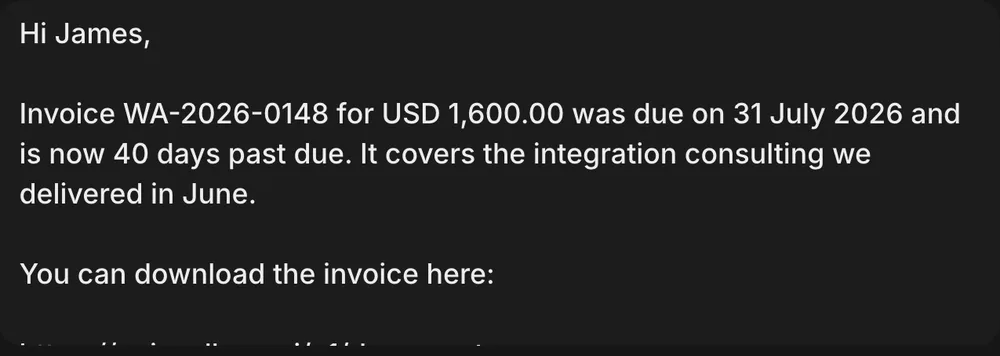
Email draft
The message that carries the invoice, written and ready for your send.
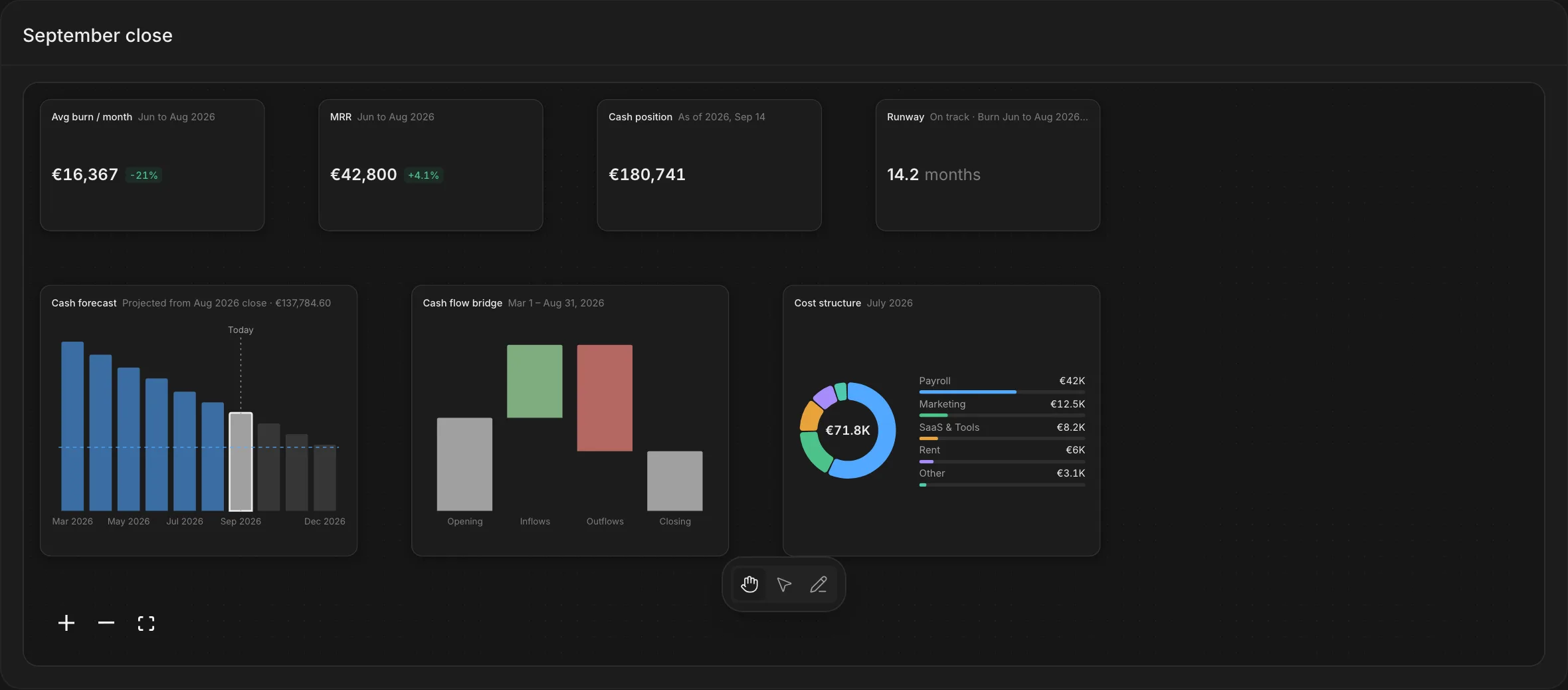
Board
Figures from every widget, laid out on one page you can share.
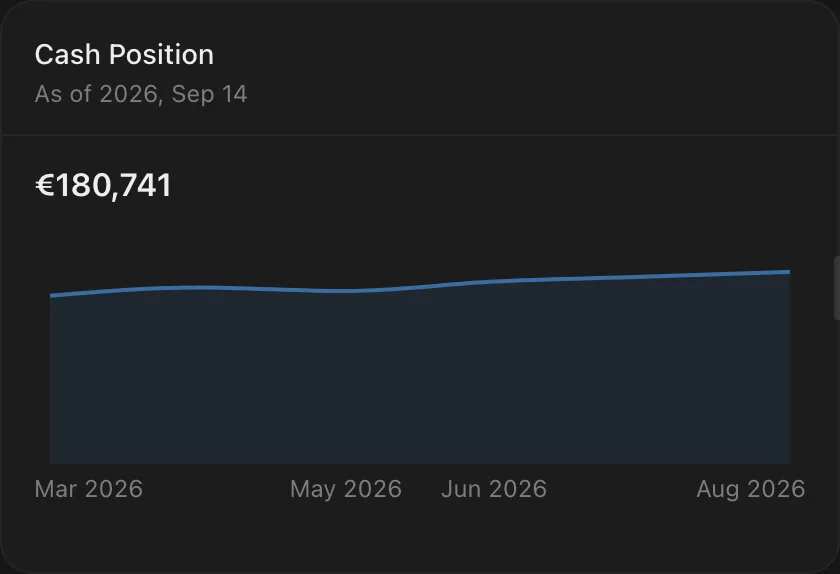
Cash position
What sits in every account today, across the banks you connect.







































































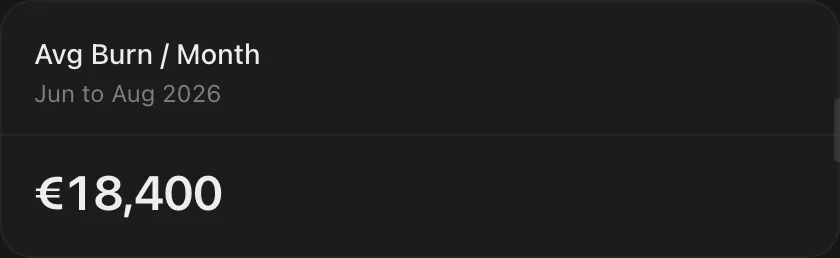
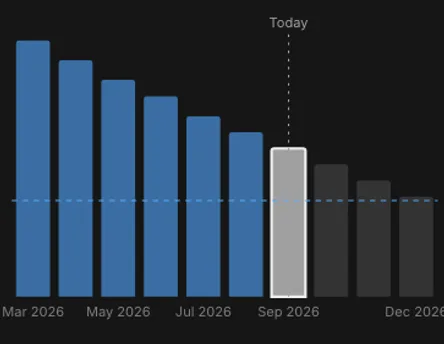
Burn
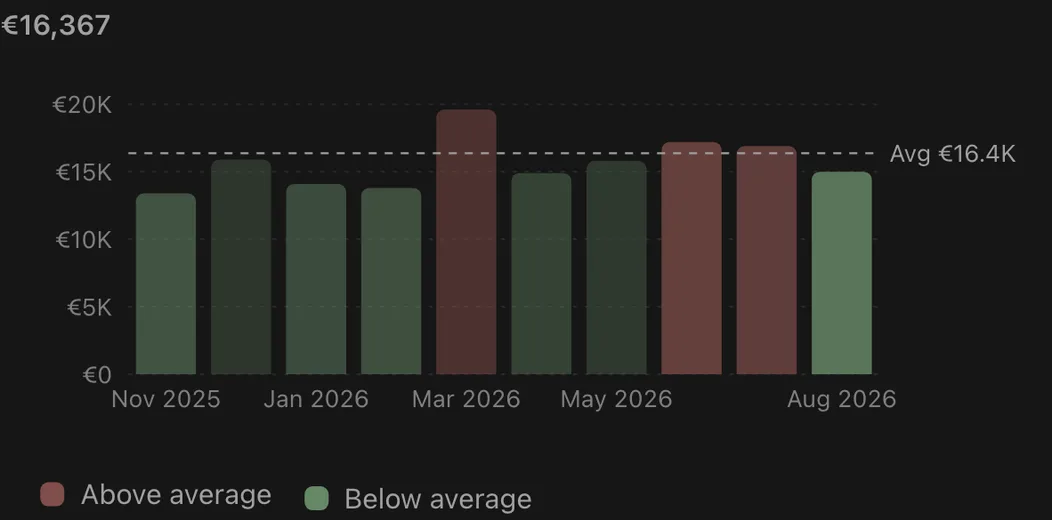
What leaves each month once revenue is netted out.
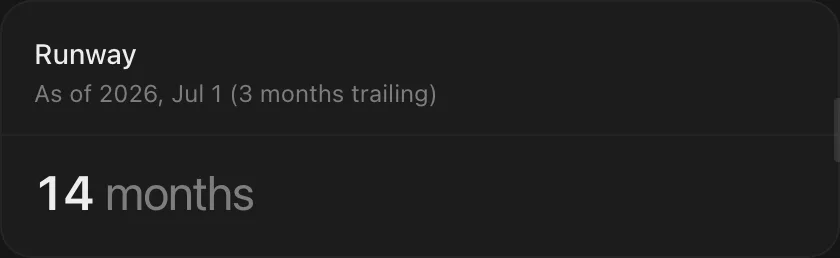
Runway
How many months the cash on hand covers at the current burn.
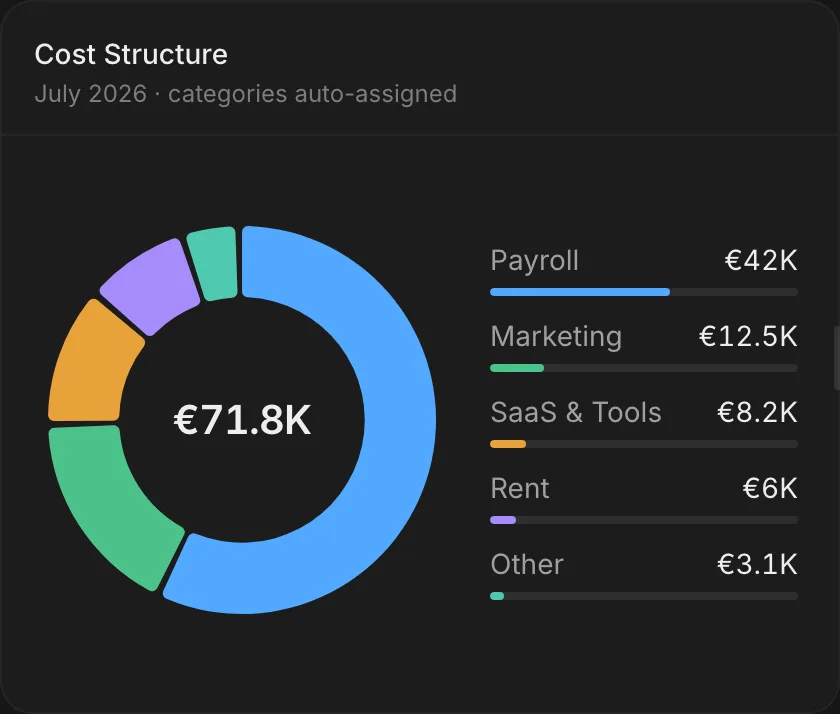
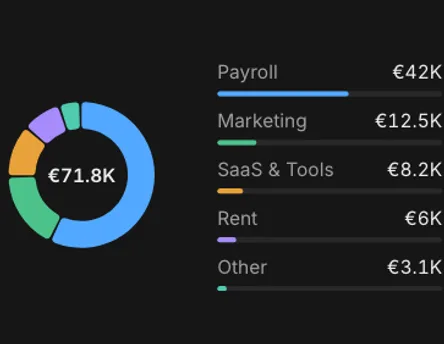
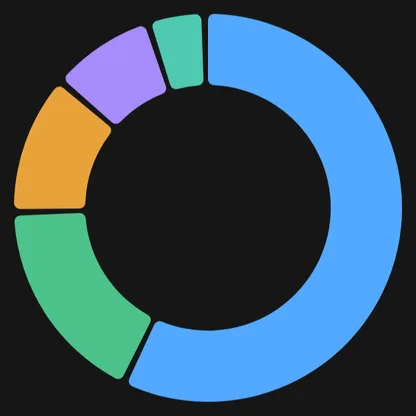
Cost structure
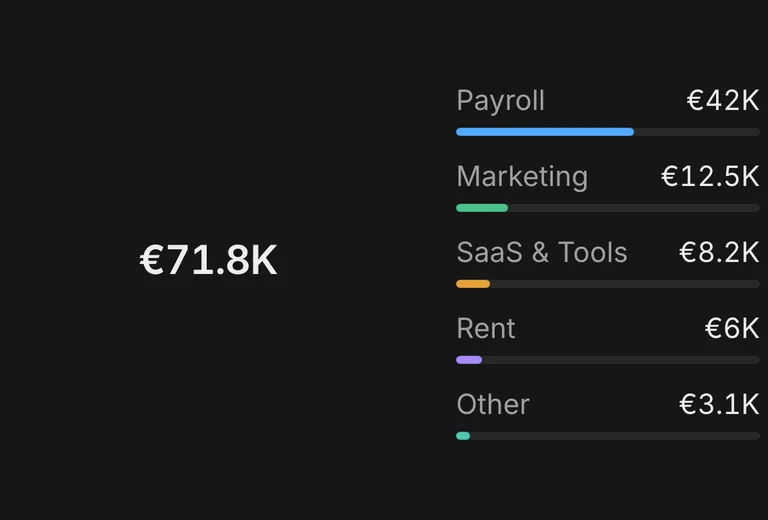
Where the spend goes, split by category.
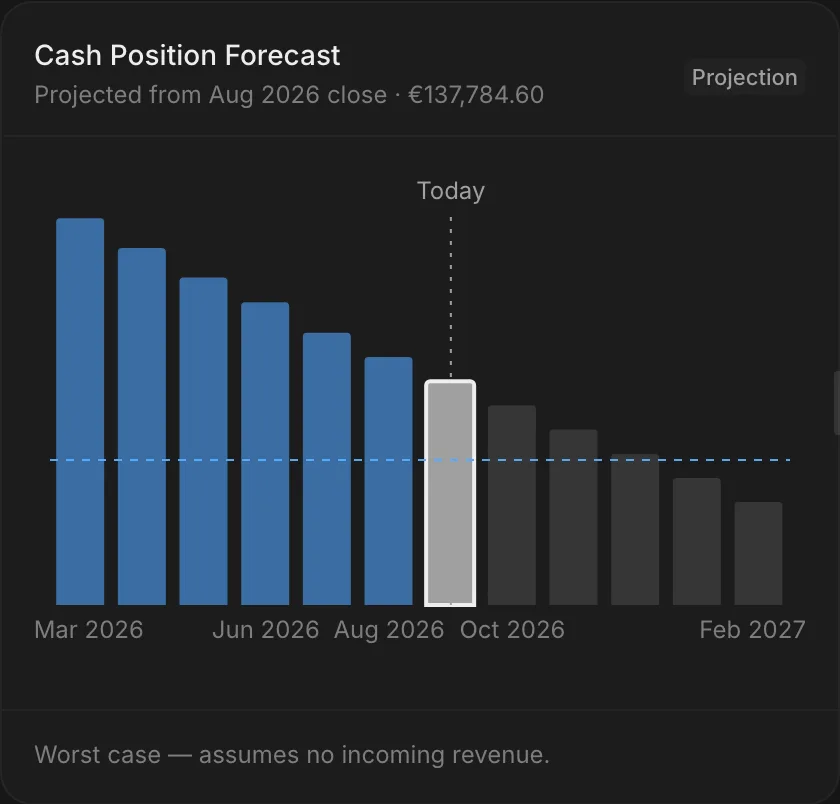
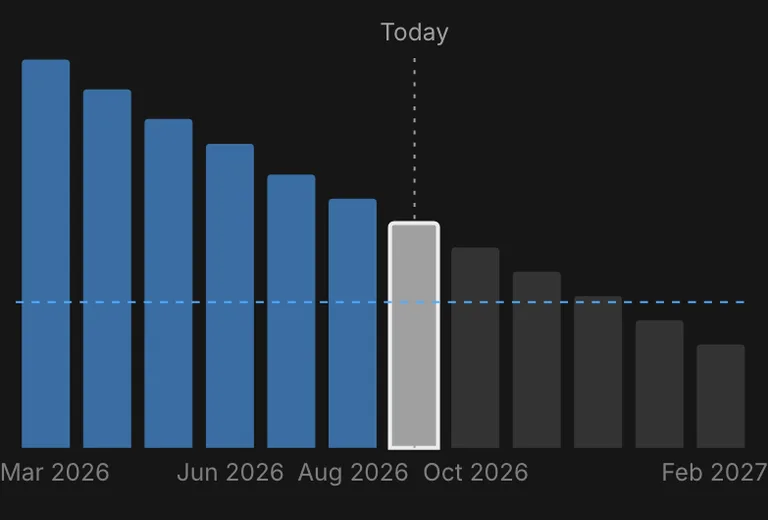
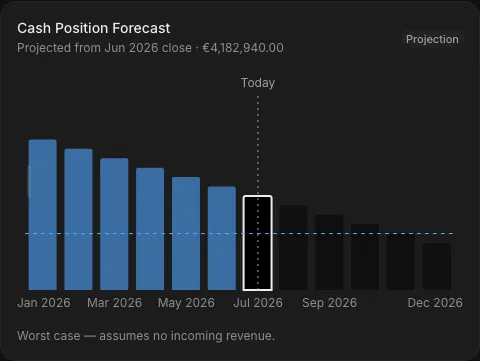
Cash forecast
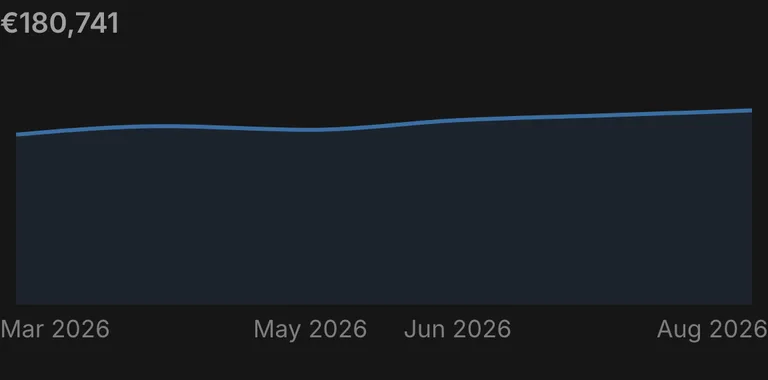
The balance ahead, from recurring flows and open invoices.
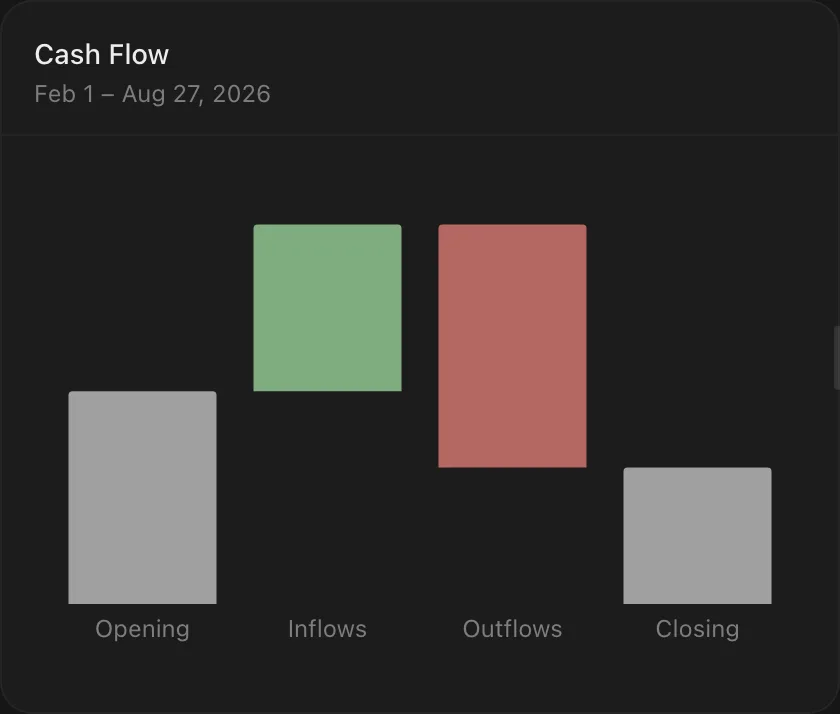
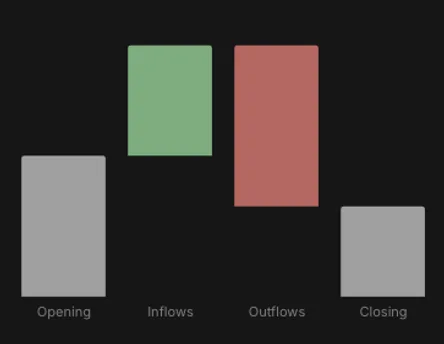
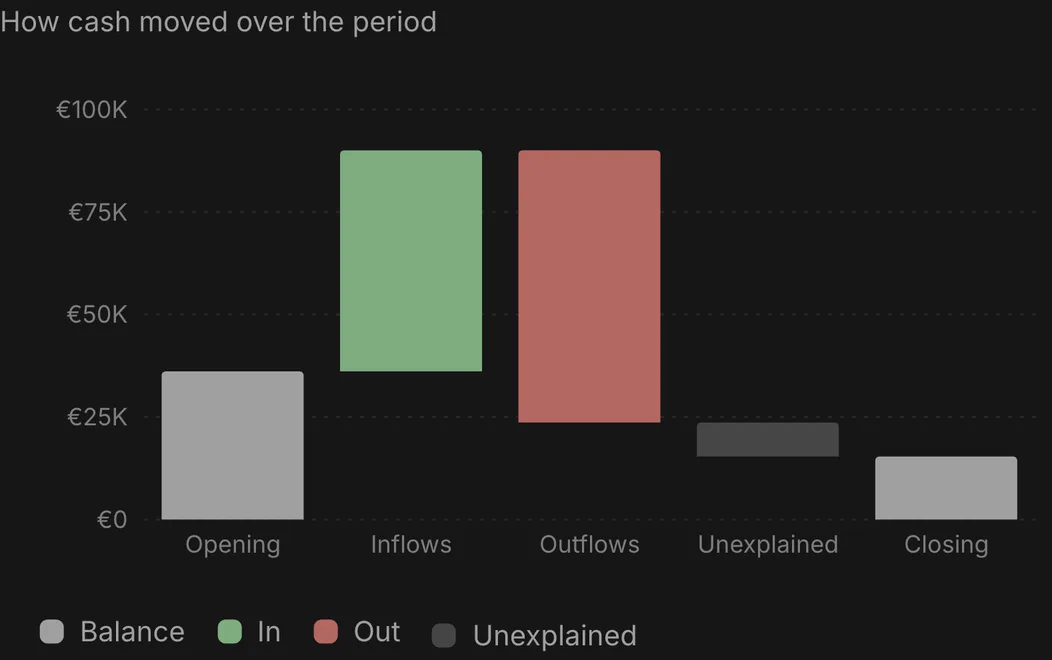
Cash flow bridge
From the opening balance to the closing one, step by step.
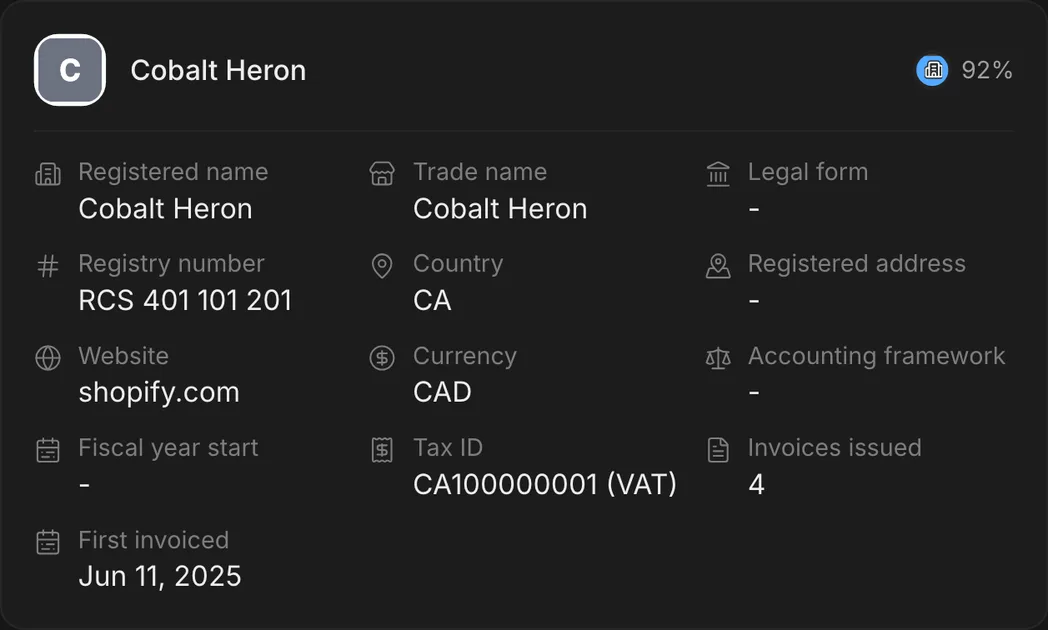
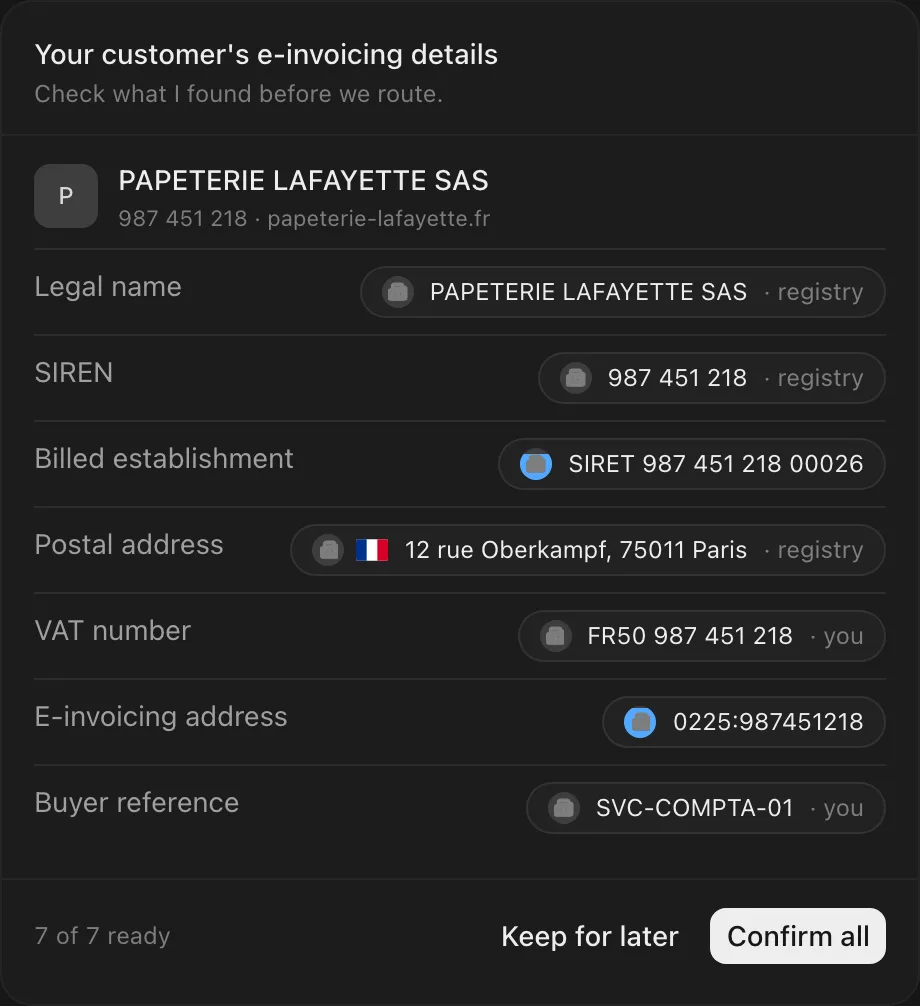
Customer e-invoicing
The legal identity an e-invoice needs, checked field by field.
Ask once. Get a board.
Name the figures you want. Well measures each one from the tools you connect, lays them out on one board, then hands you a dated link anyone can open.
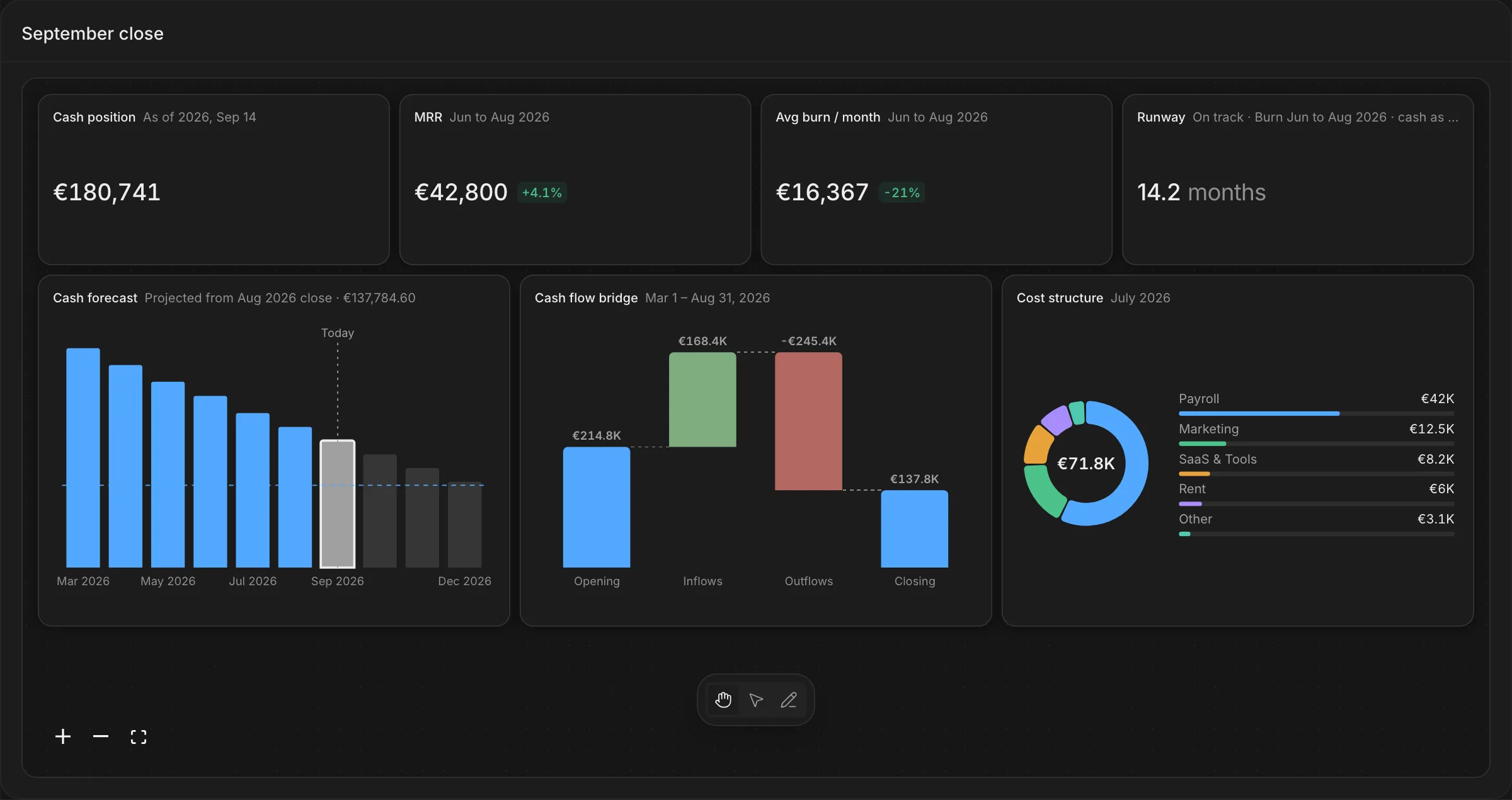
Pick the arrow to select a block, the edit tool to move or resize it.
AI proposes. You confirm. Code commits.
Well draws the line before the AI acts. Fast answers propose, your yes decides deletes, invoices and most edits, and only what the code can check reaches your books.
- 1
System 1 · fast
The AI proposes, with its sources
Every value says where it came from: the company registry, your own records, or you.
- 2
You
Deletes, invoices and most edits wait for your yes
Confirm, or keep it for later. In Well, most edits, deletes and new invoices wait for your click and ask again if anything changes. In Claude, the host's own permission applies.
- 3
System 2 · deliberate
The code commits, then locks
An issued invoice is checked complete, numbered in sequence and locked. No AI, API or query can change it. Only a credit note corrects it.
One widget for every tool you connect
120+ connectors and 11,000+ banks feed Well. Connect a tool once and its data comes back as the widgets above, in any session.





One design system, under every card
Every card is built from the same colors, type, components and icons as the Well app. A card reads the same in Claude, in ChatGPT and on a board.
Skills behind the widgets
Every widget on this page answers a skill. Add one, ask in plain language, and the answer comes back as the card you saw above.
Cash position
Know how much cash you hold right now, with the accounts counted and the ones left out both stated.
Burn rate
Know what you spend in an average month over a window you can see, with the months that carried no spend counted.
Runway
Know how many months of cash you have at your current burn, with both sides of the division shown.
Cash forecast
See the settled month-end cash series and where the line goes from the last complete month.
Invoice design
Pick how an invoice prints, from the designs and records you already have.
Draft invoice
Turn a sentence into a draft invoice in Well, in your customer's design, PDF attached.
Customer invoicing identity
What Well holds about a customer's legal identity, and what is still blank.
Build your context graph
Connect your AI apps and your tools, then see your business as one context graph.
Compose a board
The measures you name, arranged on one board that stores the question rather than the answer.
Frequently asked questions
What is a widget?
A widget is a card that answers one question from your own data: what sits in your accounts, what leaves each month, how long the cash lasts, the invoice your customer receives. Each one is a component of the product, drawn from the tools you connect.
Which tools can I connect?
120+ connectors and 11,000+ banks feed Well, across accounting, billing, CRM, email and bank accounts. Connect a tool once and every widget that needs its data reads from it.
What does a board share link send?
A dated copy of the board. The figures are frozen at the moment you make the link, so editing the board afterwards changes nothing on a link already sent.
Does the person I send a board to need an account?
No. Anyone with the link can open it without a Well account. Deleting the board withdraws every link to it, so send a link only to the people you mean.
Can I rearrange a board?
Yes. Pick the arrow to select a block, then the edit tool to move or resize it. A board opened from a share link is read only.
Where do I ask for a widget?
In a Well session: name the figure you want and the widget comes back as the answer. Well also connects to Claude, ChatGPT, Cursor and any MCP client, so the same skills answer from there.
What can't it do yet?
Three things, today. From Claude, ChatGPT or another MCP client, a write runs once the host allows it: the host's own permission is the only check. In a Well session, most edits, deletes and new invoices wait for your click, but adding a company or a person, attaching a PDF to an invoice, changing an invoice's design and saving a board run without one. A host that draws no widgets shows the answer as text, without the card.
Ask once and see your tools on one screen
Connect a tool and ask your first question, or start from one of the prompts below. The answer comes back as a widget, drawn from your own data.
Open one of these in a session