Get Started
1.1 Authentication
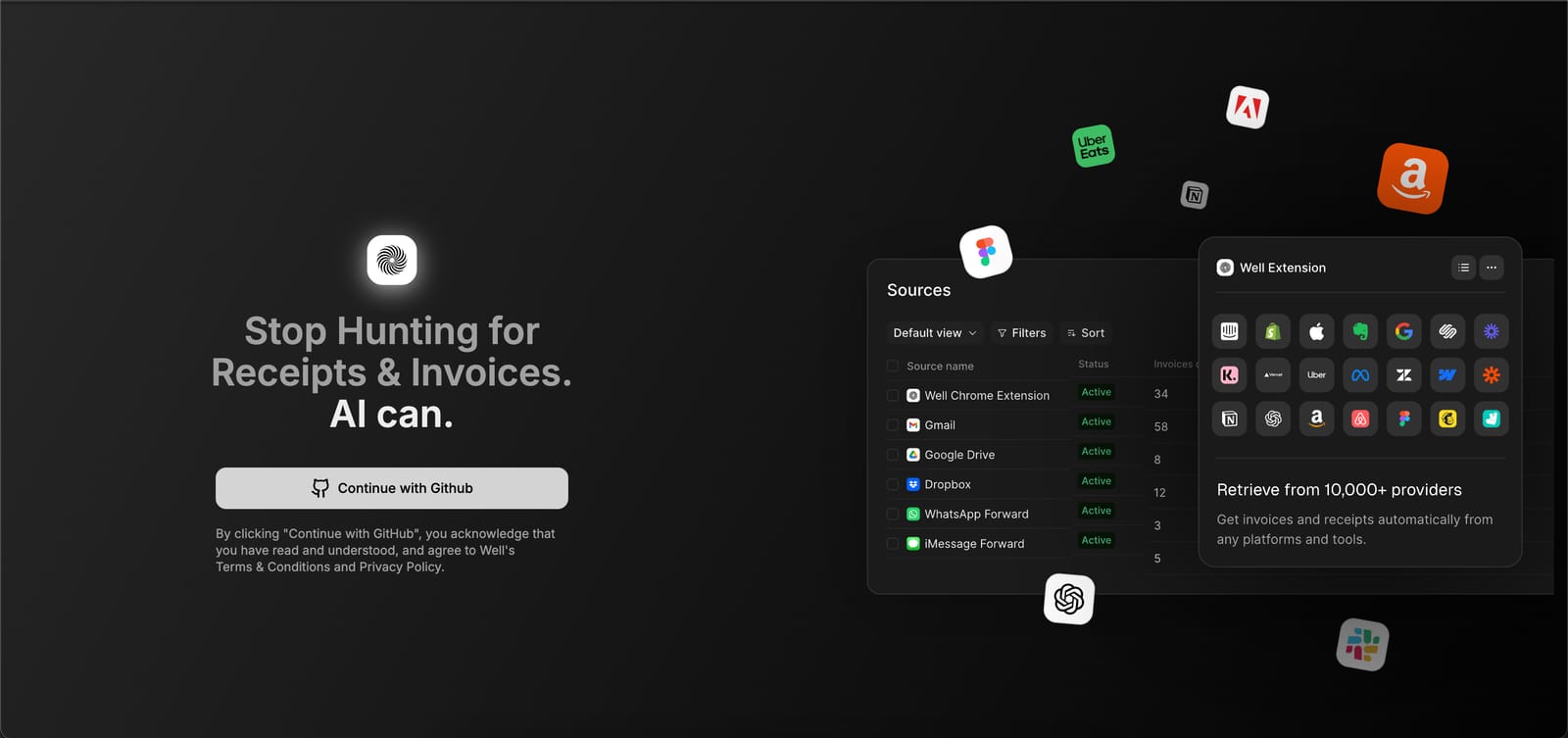
- Log into the Well web application: https://app.test.wellapp.ai/
- Create a new workspace for your organization.
- Keep the Workspace ID safe — it will be needed for API calls.
1.2 Generate an API Token
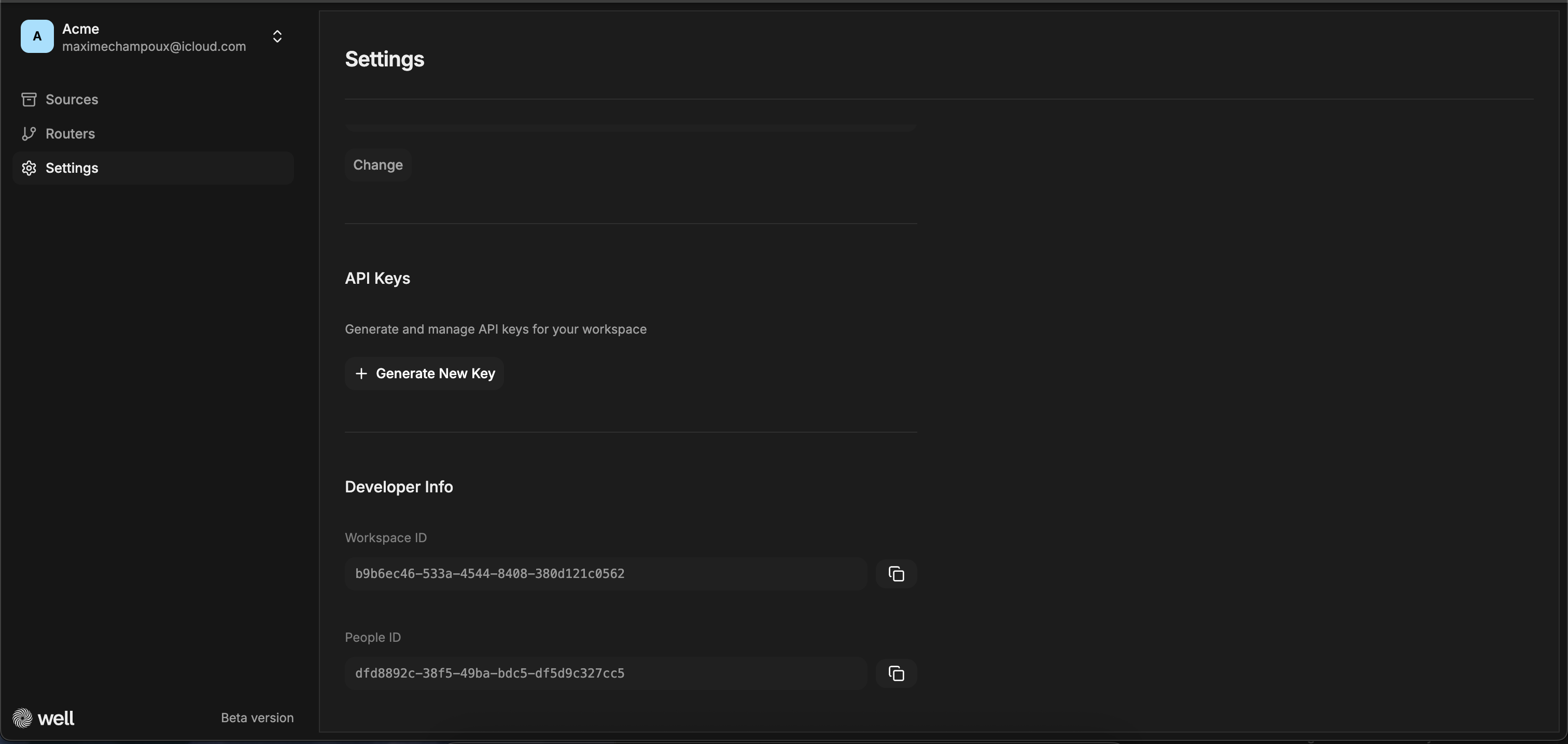
- Go in the app in the settings to generate your API key. https://app.test.wellapp.ai/app
- This token will authenticate all future API calls.
- Store it securely; treat it like a password.
2. Basic Flow
Create a Workspace
POST /v1/workspaces{
"data": {
"type": "workspace",
"attributes": {
"name": "Customer Workspace",
"external_workspace_id": "your-customer-id"
}
}
}2.1. Create as many workspaces as you have customers
Whenever one of your customer will install the connector in the instance of a workspace, we will create the people object and link it with the object.
If you don't want to store our ID of workspace, you have the capacity to include your own external_workspace_id as a reference of the workspace created. It's optional.
For any new customer that wants to install our connector, workspace creation is considered as a pre-requirement.
Set Up a Webhook
POST /v1/webhooks{
"data": {
"type": "webhook",
"attributes": {
"url": "https://your-app.com/webhook",
"events": ["document.uploaded", "company.created"],
"workspace_id": "workspace_id"
}
}
}2.2. Configure a Webhook per workspace
To be notified whenever a new document is uploaded in the context of a workspace, and following the installation of gmail driver, you must create one webhook.
- In each event payload that you subscribe you will get
workspace_id,external_workspace_idandpeople_idas attributes. - It's possible to filter out a webhook per workspace and only receive events for a given
workspace_idorexternal_workspace_id.
2.3. To get the installation link of the Gmail driver, you will need to call a dedicated endpoint.
This endpoint looks like GET /v1/workspaces/{{workspace_id}}/connectors/gmail/access?redirect_url&state=xx
If you are using external_workspace_id as identifier of a workspace, then replace as is: /v1/workspaces/{{external_workspace_id}}/connectors/gmail/access?redirect_url&state=xx
Redirect_url is optional. When not present we may redirect customer to our landing page. If present we redirect at the end of the flow. Receive events:
app.post("/webhook", (req, res) => {
  const { event, data } = req.body;
  // Process event
  res.status(200).send("OK");
});
Supported events: company.created, company.updated, company.deleted, document.uploaded, document.processed, document.deleted
Retry policy: 3 retries with exponential backoff, 10s timeout
2.4. Get the status of the Gmail driver connector by fetching the resources
Install Gmail Connector
GET /v1/workspaces/{{external_workspace_id}}/connectors/gmail/
{
    "data": {
        "type": "connector",
        "attributes": {
            "connector_type": "gmail",
            "external_workspace_id": "fygr-test-123",
            "expires_at": "2025-09-04T14:26:13.905Z",
            "status": "active"
        },
        "relationship": {
		        "created_by": { "data": { "type": "people", "id": "people1" } },
		    }
    }
}
Get installation link:
GET /v1/workspaces/{workspace_id}/connectors/gmail/access?redirect_url=https://your-app.comReturns connector status: active, inactive, or expired.